Self-hosted · Open source · Docker-ready

Your links.
Your rules.

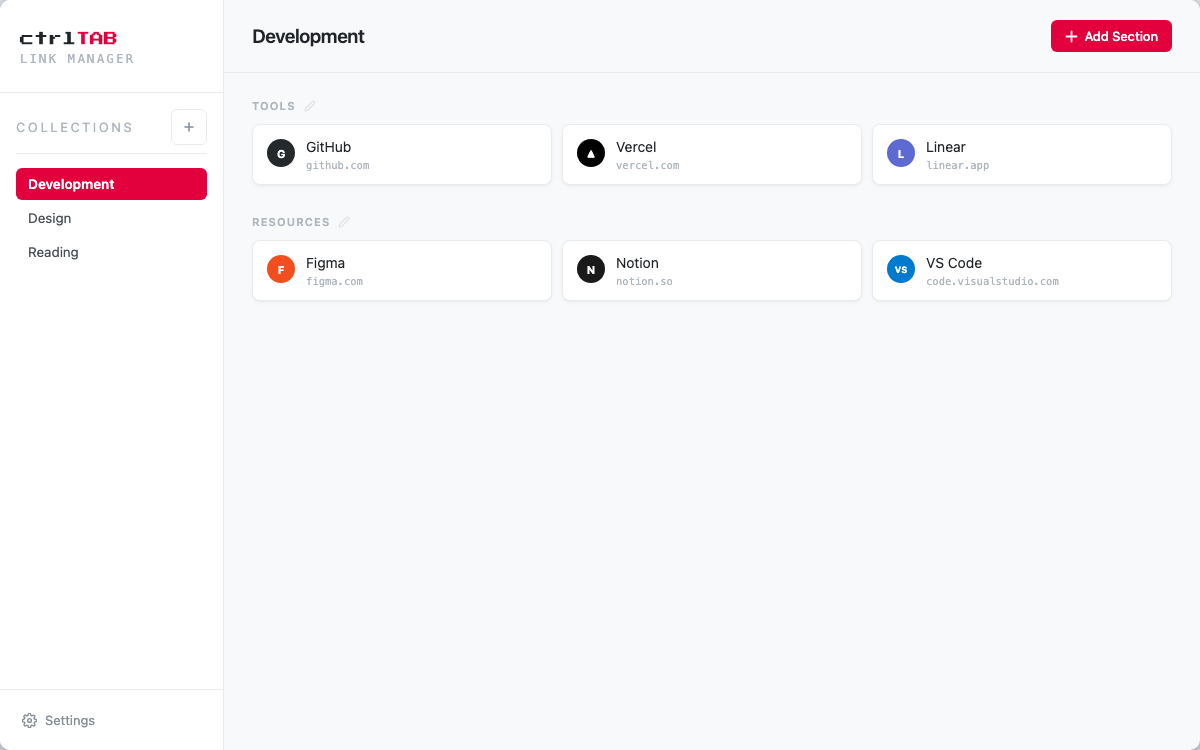
A lightweight bookmark manager to organize your links into collections and sections. No browser extension. No third-party service. Your data stays on your server.
📁

Collections & Sections

Organize links by project, client, or topic. Group them in named sections within each collection.

🎨

Themes & Personalization

Five built-in themes — Light, Dark, OLED, Cyberpunk, and Batman — with per-user accent colors and custom backgrounds.

🪶

Lightweight by design

SQLite database, no external dependencies. Multi-user with JWT auth. Installable as a PWA.

Quick Start

Up and running in minutes. All you need is Docker.

1

Clone the repository

git clone https://github.com/erymantho/ctrlTAB.git
cd ctrlTAB
2

Generate a JWT secret

openssl rand -hex 32
3

Set your credentials

export JWT_SECRET="your-generated-secret"
export ADMIN_USERNAME="admin"
export ADMIN_PASSWORD="your-secure-password"
4

Start the stack

docker compose up -d

ctrlTAB is now available at http://localhost:8090. Log in with your admin credentials.

Roadmap

What's shipped and what's coming next.

Done

  • Full CRUD for collections, sections, and links
  • Auto-fetched favicons (including local/private network apps)
  • Custom icon upload (PNG, SVG, ICO)
  • Theme switcher (Light / Dark / OLED / Cyberpunk / Batman)
  • Per-user accent color with preset palette and custom picker
  • Custom background image per user
  • PWA with offline support
  • User accounts and JWT authentication
  • Drag & drop reordering of links and sections
  • Drag links across sections and collections

Coming

  • Dutch language support
  • Descriptions for collections, sections, and links
  • Search across all links
  • Import / export (JSON, HTML bookmarks)
  • Tags and filtering
  • Browser extension for quick saving
  • Keyboard shortcuts